
AI video production has its own vocabulary, and most of it comes from the model vendors rather than from filmmaking. This glossary defines the 45 terms that come up in a brief, a quote or a course, in plain English, checked against the documentation of Google, Kling, Runway, ByteDance and Higgsfield as of September 2026. Two terms matter most: image-to-video and reference image.
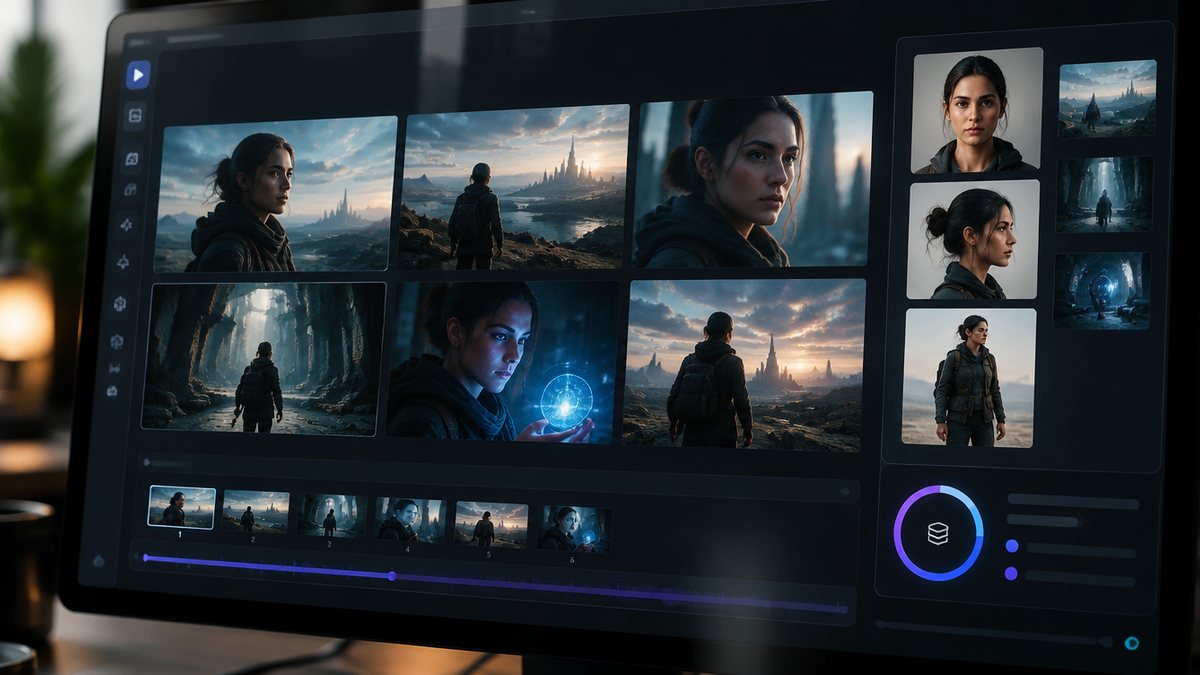
How the terms are grouped
The list runs in the order a production does: generation, then control (prompts, references, cameras), then consistency, where quality is won or lost, then sound, output and cost, then the UAE rules, then the models. Each definition is short enough to quote and specific enough to act on.
- AI video production
- Making a finished video where some or all of the footage is generated by AI models rather than filmed, inside a normal production process: brief, script, shotlist, generation, curation, edit, sound and grade.
- Generative video model
- A model that produces a short video clip from a text prompt, an image, or both. Current examples are Kling 3.0, Google Veo 3.1, Runway Gen-4.5, ByteDance Seedance 2.5, OpenAI Sora 2 and Alibaba Wan 2.7.
- Diffusion model
- The most common architecture behind video generation. It starts from random noise and removes it step by step until coherent frames appear, steered by the prompt. The work happens in a compressed latent space to save compute.
- Latent space
- The compressed internal representation a model works in instead of raw pixels. It is why generation is affordable at all, and why fine detail such as small text and hands is often imperfect.
- Prompt
- The written description a model generates from. A useful video prompt describes subject, setting, light, lens, camera movement and mood in plain words, in that order.
- Negative prompt
- A list of things the model should avoid, such as text, watermarks or extra limbs. Supported by some models and interfaces, not all.
- Text-to-video
- Generating a clip from a written prompt alone. Fast for exploration and impossible scenes; weak control over exact appearance, and characters drift between generations.
- Image-to-video
- Generating a clip that starts from a still image and adds motion. The professional default, because the look is approved before any video credits are spent.
- Video-to-video
- Taking existing footage and changing its style, objects or environment according to a prompt, as Runway's Aleph 2.0 does for clips up to 30 seconds at 1080p.
- Generation
- One run of a model that returns one clip or image. A 30 second piece is typically five to eight generations cut together, not one.
- Variant
- One of several generations made from the same prompt and inputs. Studios commonly produce 20 to 50 variants per shot and keep one.
- Curation
- The human job of choosing which variant survives. It is where taste enters the process and most of the labour cost sits.
- Seed
- A number that fixes the random starting noise of a generation. Reusing a seed with the same prompt reproduces a similar result, which helps when iterating on one shot.
- Reference image
- A still supplied to the model to define how a character, product or scene should look. Veo 3.1 takes up to three, Kling Elements two to four, Seedance 2.5 up to 30.
- Element or ingredient
- A vendor's name for a saved reference set. Kling calls them Elements; Google Flow calls them Ingredients. Both bind a character or object across generations.
- Character consistency
- Keeping the same face, body, wardrobe and proportions across many shots. Achieved with reference images, locked character sheets and discarding any generation that drifts.
- Character sheet
- The approved reference set for one character: usually a front, three-quarter and full-length still in the same wardrobe and neutral light, saved before production starts.
- Temporal consistency
- Objects staying stable from frame to frame within one clip, so nothing pops in, vanishes or changes shape mid-shot. Transformer layers in the model handle it; failures show as flicker or morphing.
- Morphing
- The visible defect where a face, object or background smoothly turns into something else during a clip. The usual reason a take is discarded.
- Artefact
- Any visible error in generated footage: extra fingers, warped text, melting edges, duplicated limbs. A quality pass hunts for these before an edit.
- First and last frame
- A mode where you supply the opening still and the closing still and the model generates the motion between them. Available in Veo 3.1 and Kling.
- Extend
- Generating additional seconds that continue from the end of an existing clip, used to get past a model's single-generation limit.
- Multi-shot or storyboard generation
- Generating a sequence of cuts in one run. Kling 3.0 produces multi-shot storyboards with shot size, perspective and movement set per segment; Seedance 2.x also generates multi-shot output.
- Shotlist
- The production document listing every shot with its duration, camera move, starting reference and purpose. In AI production it is also the credit budget.
- Camera preset
- A named camera movement you select instead of describe, such as Higgsfield's Dolly In, Crane Down or Whip Pan. Runway expects the same movement written into the prompt.
- Camera language
- The filmmaking terms for framing and movement: wide, medium, close-up; push in, pull out, pan, tilt, orbit, dolly, crane. Models respond to these words better than to vague adjectives.
- Native audio
- Dialogue, effects and ambience generated together with the picture rather than added afterwards. Standard on Kling 3.0, Veo 3.1 and Seedance 2.x.
- Lip sync
- Matching a generated mouth to speech. Kling 3.0 generates character-level lip sync in five languages; other tools animate a still to a supplied audio track.
- Performance transfer
- Driving a generated character's expression and timing from a video of a real actor, as Runway's Act-Two does. The human take carries through; the face does not.
- Voice clone
- A synthetic voice trained on recordings of a real person. In the UAE it needs the person's written consent covering synthetic use, like any likeness.
- Clip length
- The maximum seconds one generation returns. Veo 3.1: 4, 6 or 8; Runway Gen-4.5: 2 to 10; Kling 3.0: 3 to 15; Seedance 2.5: up to 30. Longer pieces are cut from several clips.
- Resolution
- Pixel size of the output. 720p and 1080p are standard; Veo 3.1 and Kling 3.0 offer 4K. Higher resolution costs more credits and is often locked to specific clip lengths.
- Aspect ratio
- The frame shape: 16:9 widescreen, 9:16 vertical for Reels and TikTok, 1:1 square, 4:5 for feed. Decide it before generating, because reframing generated footage loses composition.
- Upscaling
- Increasing resolution of a finished clip with a separate model. Used to deliver 4K from 1080p generations, at the cost of some added artefacts.
- Credits
- The unit platforms charge in. Examples: Kling 3.0 at 1080p with audio, 12 credits per second; Runway Gen-4.5, 12 credits per second; a Veo 3.1 Quality clip in Flow, 100 credits. Failed generations cost the same as good ones.
- Multi-model platform
- A workspace that hosts several vendors' models under one subscription and credit balance, such as Higgsfield with Kling, Veo, Seedance, Sora and Wan. Lets one team compare models on one brief.
- Model selection matrix
- A one-page table of which model to use for which kind of shot: dialogue, product, landscape, action, vertical social. NotBoring's workshop toolkit includes one.
- UGC-style
- Footage made to look like a customer filmed it on a phone: handheld, direct to camera, imperfect. Consistently outperforms polished ads on Meta and TikTok in 2026 tests, and is a common AI video brief.
- Cinematic
- Footage with deliberate camera movement, controlled light, shallow depth of field and a colour grade. The look brand films ask for; the look UGC-style ads deliberately avoid.
- AI label
- A platform marker on content made or edited with AI. Meta labels ads made with its generative tools and, since June 2026, ads it detects were made with third-party tools; Google and TikTok apply their own.
- Content credentials (C2PA)
- An embedded, tamper-evident record of how a file was made, including which AI tool. Read by TikTok and others to apply labels automatically.
- Likeness release
- Written permission from a real person to use their face or voice. For AI work it must explicitly cover synthetic recreation; a release written for a normal shoot may not.
- Deepfake
- Synthetic media that shows a real person doing or saying something they did not. In the UAE, content that breaches privacy or damages reputation carries fines from AED 150,000 to 500,000 under the Cybercrimes Law.
- Advertiser permit (UAE)
- The licence required for anyone posting promotional content for others on social media in the UAE, paid or unpaid. Not required for a business promoting itself from its own account.
- Higgsfield
- A video generation workspace that builds its own tools, including camera presets and Cinema Studio, and hosts third-party models including Kling 3.0, Veo 3.1, Seedance 2.0, Sora 2 and Wan 2.7. The platform NotBoring produces and teaches on.
The five terms to know before any brief
If you read nothing else, know these five. Image-to-video, how professional shots are made. Reference image, what keeps a character the same across shots. Native audio, which decides whether a presenter is one generation or two. Credits, the budget. And likeness release, the difference between an ad and a legal problem.
NotBoring is a Dubai creative production agency making cinematic and AI-generated video for brands across the GCC, and it teaches this vocabulary in the first topic of its in-person AI Video Production Workshop. The full production process the terms describe is set out in the guide to what AI video production is (source: NotBoring).